
Best Monte Carlo Retirement Calculators in 2026: 6 Tools Compared
Looking for the best Monte Carlo retirement calculator? We compare Calm Sea, Empower, Boldin, ProjectionLab and more on features, pricing and free options.
October 22, 2026
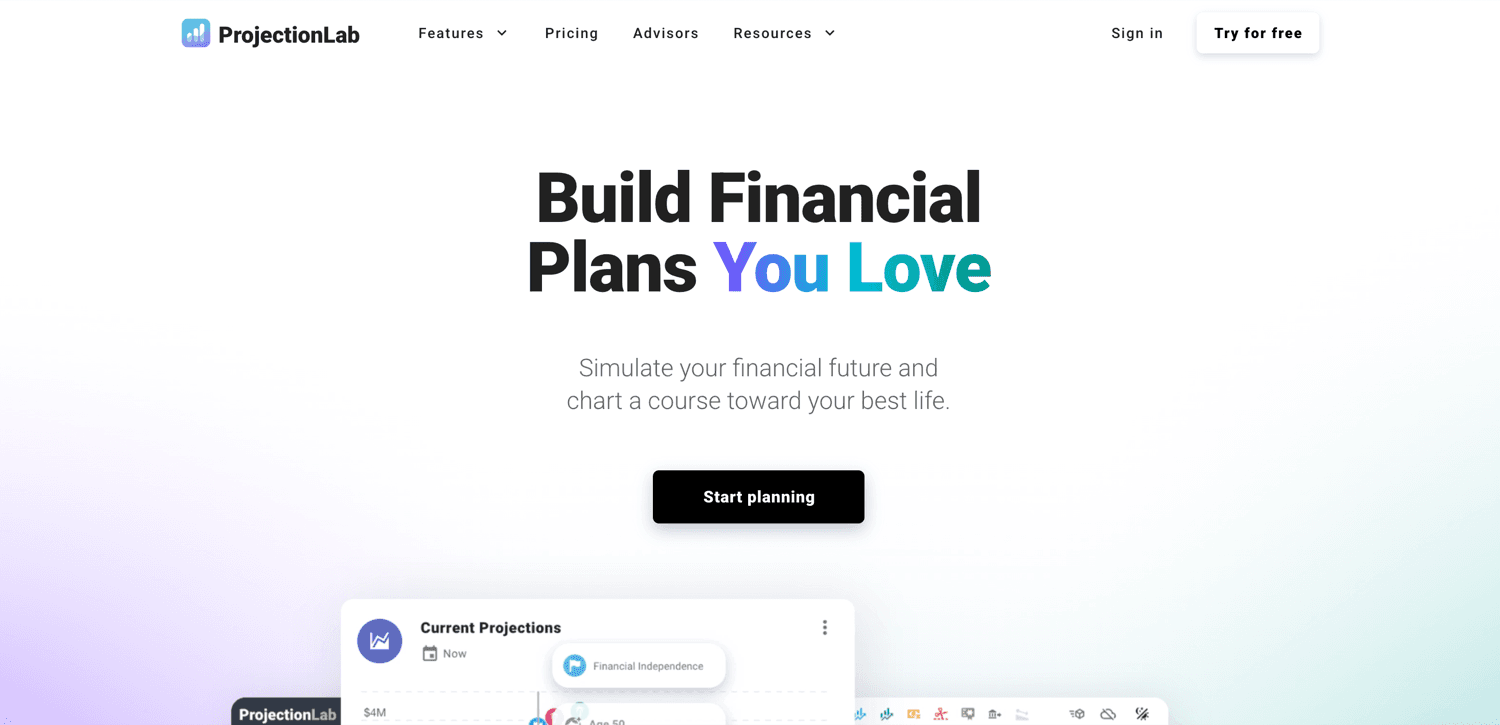
In the ProjectionLab vs Boldin choice, ProjectionLab suits detail-oriented FIRE planners who want deep modelling, historical backtesting and international tax presets without linking accounts. Its free plan includes Monte Carlo, and Premium is $129 a year. Boldin suits US households approaching retirement who want Social Security, Medicare and Roth conversion tools, account linking and optional human advice. Monte Carlo is in PlannerPlus at $168 a year. If property and loans are the heart of your plan, or you want something simpler, Calm Sea is a third option worth a look.
ProjectionLab and Boldin features and prices checked November 2026 on each company's own website.
| Feature | ProjectionLab | Boldin |
|---|---|---|
| Free plan | Yes, Basic | Yes, Basic |
| Paid price | $129/yr (Premium) | $168/yr (PlannerPlus) |
| Monte Carlo | Free plan | PlannerPlus |
| Historical backtest | Free plan | Not stated |
| Account linking | No, by design | PlannerPlus |
| Tax modelling | Premium | PlannerPlus |
| Roth conversions | Premium | PlannerPlus |
| Social Security tool | Not stated | Yes, explorer |
| Medicare and IRMAA | Not stated | Yes, PlannerPlus |
| Country coverage | US, plus presets | US rules only |
| AI assistant | Not stated | Yes, Boldin AI |
| Human advice | Not stated | $3,200 plan checkup |
| Advisor plan | Pro, $549/yr | Not stated |
"Not stated" means the vendor's own website doesn't mention the capability. It doesn't necessarily mean the feature is missing. Prices are in US dollars.
ProjectionLab and Boldin (formerly NewRetirement) are two of the most popular do-it-yourself planning tools, and they're often shortlisted together. Both let you build a detailed model of your finances, both have a free plan, and both test your plan with Monte Carlo simulation. Yet they come from different places. ProjectionLab grew up in the FIRE community and is built for people who want to model a whole financial life. Boldin grew up as a US retirement planner and is built around the decisions people face as they approach retirement.
This guide compares ProjectionLab vs Boldin on price, modelling depth, taxes, account linking and country coverage, then explains who each suits. It's written by the Calm Sea team, and Calm Sea is a planner too, so we've kept the head-to-head neutral and introduced Calm Sea separately as a third option. All ProjectionLab and Boldin facts come from their own homepages and pricing pages.
If you're comparing a wider field, our roundup of the best FIRE tracking apps covers six options, and our guide to the best Monte Carlo retirement calculators compares simulators.
Test your plan with a free Monte Carlo calculator
See how likely your retirement savings are to last across 1,000 simulated markets. No sign-up, no bank linking.
Price is often the first question, so here's how the plans line up as of November 2026.
ProjectionLab's pricing page lists three plans:
ProjectionLab's homepage mentions monthly, annual and lifetime pricing options, but its pricing page shows only the annual figures.
Boldin's pricing page lists two planner plans and an advice service (Boldin pricing):
On paid plans, ProjectionLab Premium is $39 a year cheaper than Boldin PlannerPlus. The bigger difference is what's free. ProjectionLab's free plan already includes Monte Carlo simulation and historical backtesting, while Boldin's free plan doesn't include Monte Carlo. If simulation is the main reason you want a planner, ProjectionLab's free tier goes further.
Both tools are detailed, but they're detailed in different directions.
ProjectionLab models your whole financial life on a timeline: income, expenses, accounts, real estate, debts and milestones such as buying a home, having children or changing careers. You can build multiple plans and compare them side by side on Premium. Alongside Monte Carlo, it can backtest your plan against historical market sequences, so you can see how it would have fared starting in a particular year. It also lets you journal your actual progress against your projections.
Boldin's planner focuses on the years around retirement. Its inputs cover income from work, Social Security, pensions and annuities, real estate purchases and sales, debts, budgets and healthcare costs. PlannerPlus adds tools that model specific US retirement decisions: Social Security claiming age, annual Roth conversion amounts, the effect of Medicare premiums and IRMAA surcharges, and withdrawal order.
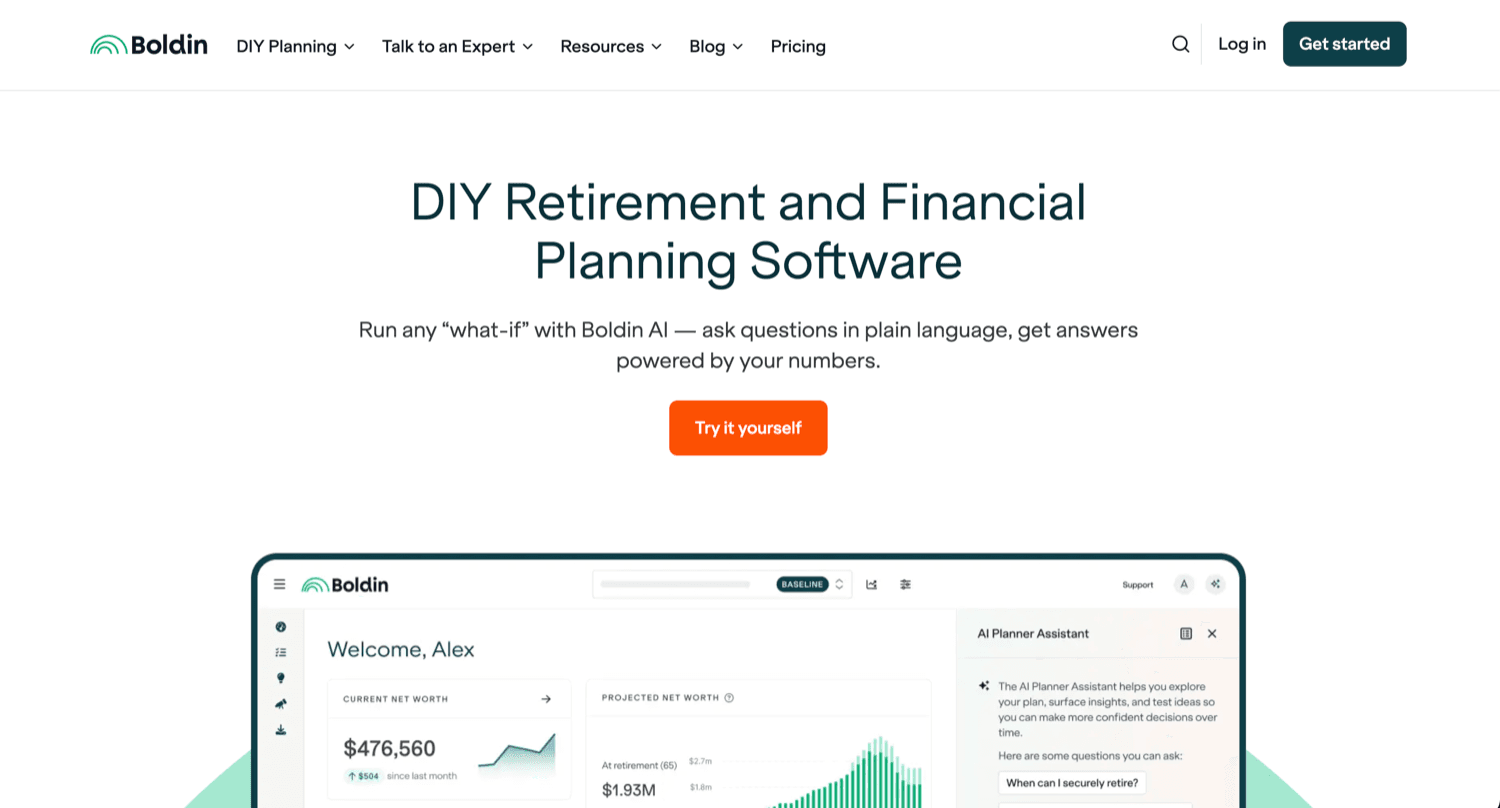
For FIRE-style planning, where the questions are "when could I stop working?" and "will my money last 40 or 50 years?", ProjectionLab's flexible model and backtesting are hard to beat. For a US household five to fifteen years from a traditional retirement, Boldin's Social Security, Medicare and tax tools answer more of the questions that matter.
Both tools put serious tax modelling in their paid plans. ProjectionLab Premium includes tax estimation, tax optimisation, Roth conversions, capital gains harvesting and ACA subsidies. Boldin PlannerPlus includes lifetime federal and state tax planning, tax-smart withdrawals and a Roth conversion explorer. Boldin's help centre notes that free users get a flat 3% state tax rate.
This is one of the clearest differences. ProjectionLab's homepage says there's no link to your accounts, so everything comes from numbers you enter. Boldin's PlannerPlus includes connected accounts, so balances can update automatically. If you want automatic updates, Boldin has them. If you'd rather keep bank logins out of your planner, ProjectionLab is built that way.
ProjectionLab's homepage lists international tax presets and account types for countries including Canada, the United Kingdom, Australia, Germany and the Netherlands, on its Premium plan. Boldin is built for US households. Its help centre says PlannerPlus doesn't have features for other countries' retirement and tax rules and can't apply non-US tax rates (Boldin help centre). For anyone outside the US, that tips the ProjectionLab vs Boldin decision firmly towards ProjectionLab.
Boldin puts more emphasis on support. PlannerPlus includes live classes and Q&A sessions, and Boldin AI can answer questions about your plan or update it for you. Boldin Advisors adds a review by a CFP® professional for a flat fee, which matters if you want a human to check your work.
ProjectionLab is more self-directed. Its Pro plan is aimed at financial professionals who want to use it with clients, rather than at individuals buying advice. If you want a guided experience, Boldin offers more of one. If you enjoy building and testing your own model, ProjectionLab is designed around that.
| If you want to... | Better fit |
|---|---|
| Run Monte Carlo on a free plan | ProjectionLab |
| Backtest against market history | ProjectionLab |
| Plan outside the US | ProjectionLab |
| Keep accounts unlinked | ProjectionLab |
| Model Social Security claiming ages | Boldin |
| Plan Medicare and IRMAA costs | Boldin |
| Link accounts for automatic updates | Boldin |
ProjectionLab is best for FIRE planners and detail-oriented people, in the US or elsewhere, who want the most flexible model, historical backtesting and Monte Carlo on a free plan, and who don't want to link accounts.
Boldin is best for US households approaching retirement who want Social Security, Medicare, tax and Roth conversion tools in one place, are happy to link accounts, and value classes, AI help or a paid review.
Both ProjectionLab and Boldin are detailed tools, and that depth takes time to set up. Calm Sea takes a simpler approach, and it's worth a look if either of these describes you.
Your wealth is mostly property. Calm Sea treats real estate as a core asset. Each property sits with its value, growth rate and the mortgage secured against it, and the dashboards show value, equity, debt and loan-to-value ratio (LTV) over time. Our real estate guide walks through it.
You want an answer with less setup. You add assets, liabilities, income and expenses with growth rates, and Calm Sea projects your net worth forward, then models drawdown year by year to show how long your money could last. A Monte Carlo simulation runs 1,000 scenarios by default and can be set from 100 to 5,000.
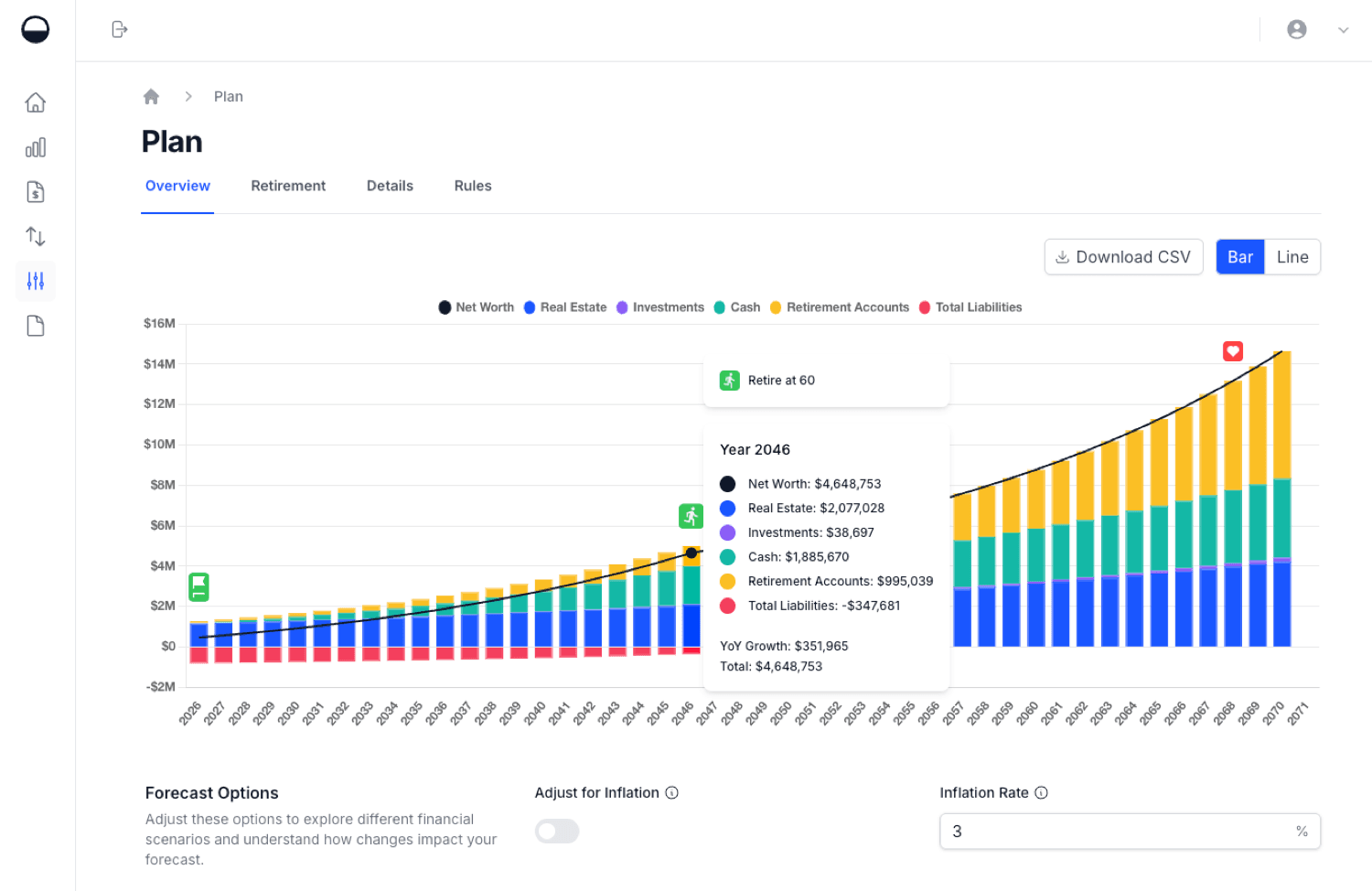
Like ProjectionLab, Calm Sea never links to your bank, and like ProjectionLab it isn't built around one country's rules; several countries are supported. Calm Sea costs $12 a month or $99 a year, with a free Simple plan that doesn't save your data (Calm Sea pricing). It doesn't have Boldin's Social Security and Medicare tools or ProjectionLab's historical backtesting, so it isn't a replacement for either if those are what you need.
For direct comparisons, see our ProjectionLab alternative guide and our guide to Boldin alternatives. See everything Calm Sea tracks on the Calm Sea FIRE tracking app page.
See when you could reach financial independence
Project your net worth, property and loans forward, plan your drawdown and test it with Monte Carlo simulation. Free to start, no bank linking.
Which is better, ProjectionLab or Boldin?
Neither is better for everyone. ProjectionLab is the stronger choice for FIRE planners, people outside the US and anyone who wants Monte Carlo and backtesting on a free plan without linking accounts. Boldin is the stronger choice for US households near retirement who want Social Security, Medicare and Roth conversion tools, account linking and optional human advice.
How much do ProjectionLab and Boldin cost?
As of November 2026, both have free plans. ProjectionLab Premium costs $129 a year and Pro, for professionals, $549 a year. Boldin PlannerPlus costs $168 a year after a 14-day free trial, and Boldin Advisors charges a $3,200 flat fee for a plan checkup.
Do ProjectionLab and Boldin include Monte Carlo simulation?
Yes, both do. ProjectionLab includes Monte Carlo and historical backtesting on its free Basic plan. Boldin includes Monte Carlo and stress testing in PlannerPlus, not in its free Basic plan. You can also try a Monte Carlo simulation without an account in the free safe withdrawal rate calculator.
Is NewRetirement the same as Boldin?
Yes. NewRetirement rebranded as Boldin, so comparisons of ProjectionLab vs NewRetirement refer to the same product.
Can I use ProjectionLab or Boldin outside the US?
ProjectionLab's Premium plan includes international planning, with tax presets and account types for countries including Canada, the UK, Australia, Germany and the Netherlands. Boldin's help centre says PlannerPlus doesn't support other countries' tax or retirement rules. Calm Sea also supports several countries and doesn't depend on bank connections.
Calm Sea is a personal finance planning tool. Nothing in this article constitutes financial advice. ProjectionLab and Boldin features and prices were checked on each company's website in November 2026 and may have changed since. Always conduct your own due diligence and consult a qualified financial adviser before making financial decisions.
Looking for the best Monte Carlo retirement calculator? We compare Calm Sea, Empower, Boldin, ProjectionLab and more on features, pricing and free options.
October 22, 2026
Compare 5 Boldin alternatives for 2026, from free Empower and Calm Sea to ProjectionLab and Monarch, with prices and who each suits. See which fits you.
October 22, 2026

An Individual Retirement Account (IRA) is a tax-advantaged account you open for retirement. Learn how Traditional and Roth IRAs differ, and who they suit.
July 27, 2026

What is a financial advisor? Learn what financial advisors actually do, the main types, how they get paid, and what to weigh when deciding if you need one.
July 21, 2026