Getting Started Part One - Onboarding

Table of Contents
- Summary
- What is Calm Sea?
- Signing up
- Onboarding Process
- Onboarding Process - Pre-Populated Path
- Onboarding Process - Normal Onboarding
- Assets
- Liabilities - What do you owe?
- Income
- Expenses
Summary
This article provides an overview of how to get started using Calm Sea. We’ll discuss our mission and take you on a guided tour to help you get started and get the most out of Calm Sea. Read through at your own pace, using the Table of Contents above to skip ahead or step back and revisit certain sections.
What is Calm Sea?
Calm Sea is a financial planning platform built for real people, not financial advisors.
We believe that planning for your future shouldn't require a degree in finance or hours of frustrating spreadsheet work. Whether you're mapping out retirement, paying down debt, or just trying to understand where your money is going. Calm Sea gives you clear, visual tools that make the picture easy to see and the path easy to follow.
Signing up
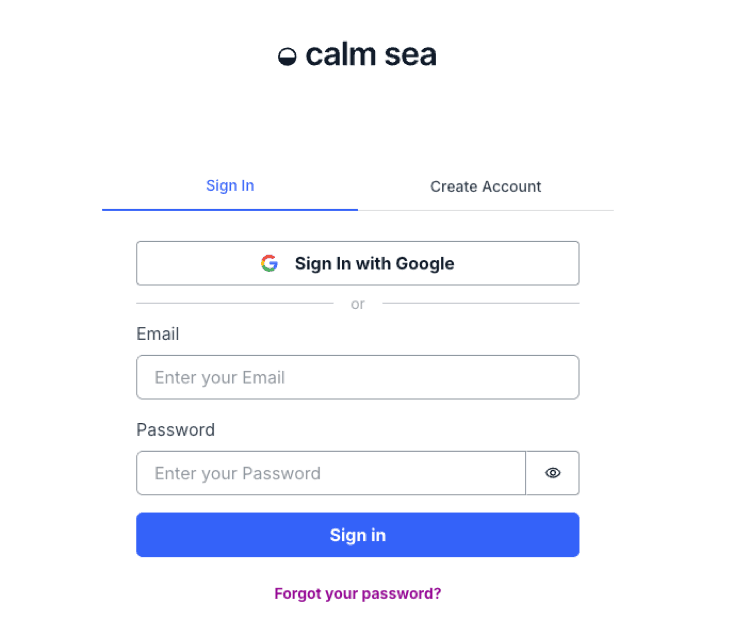
From the home page, click either Sign up or Sign in where you’ll be navigated to the login page. You can log in either via your Google Account or by your email address and password.
Onboarding Process
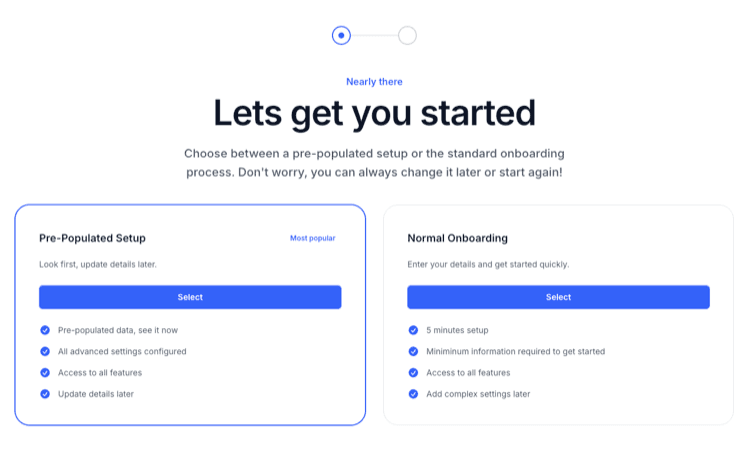
At Calm Sea, we want to make the onboarding process as simple and easy as possible. The Onboarding process gives you the opportunity to input your own details, or get started with pre-existing data where you can pick a persona that best suits you circumstances. Don’t worry if you pick the wrong persona or insert the wrong data, you’ll be able to change it after or restart the process again to pick a different path. The choice is yours!
To get started quickly, select ‘Pre-Populated Setup’ and pick from one of the personas, this will let you be up and running in less than a minute! If you want to take your time and ensure you have the right information, select ‘Normal Onboarding’ which will let you field out each and every field, this will let you be up and running in about 10-20 minutes on average.
If you want to start again, or just delete all your data, you can do this easily by navigating to the Settings page on the main page. But be careful, once your delete your data it is gone forever, we don’t keep a copy and cannot restore your data.
Onboarding Process - Pre-Populated Path
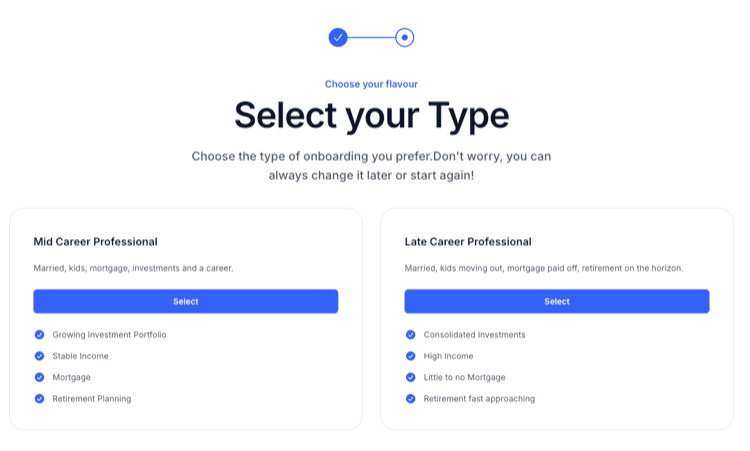
No two journeys are the same but we need to start somewhere. Calm Sea has two general personas to select from, Mid Career Professional and Late Career Professional. These personas have preset values for the persona’s age, partner status, income, expenses, investments and expenses. You can pick the one that represents you the closest and change the data at a later stage.
Onboarding Process - Normal Onboarding
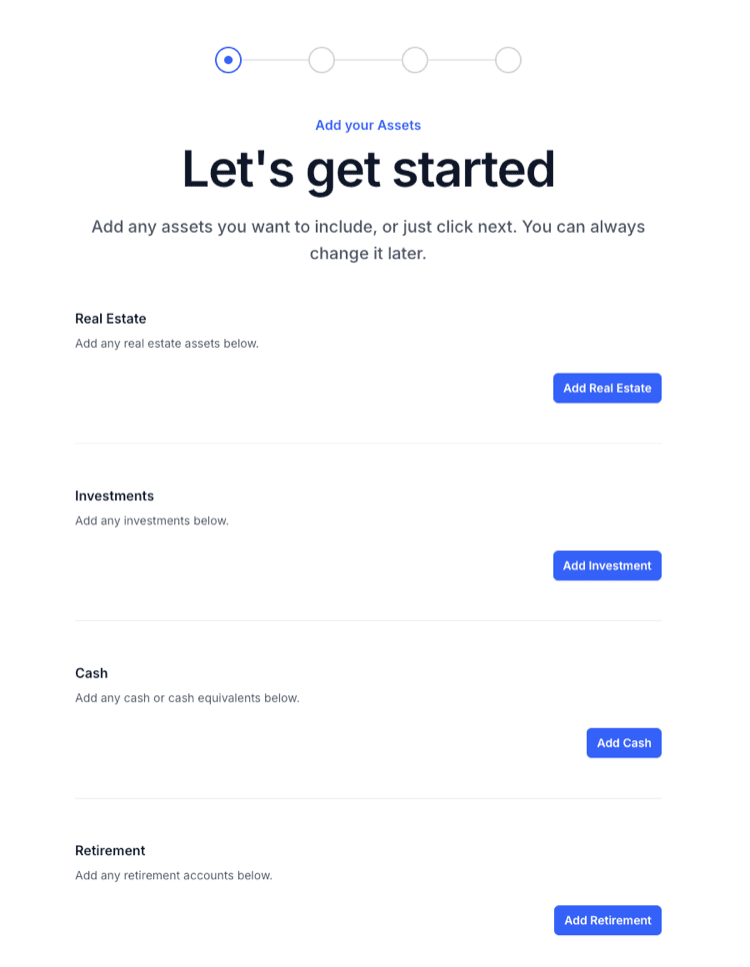
If you click “Normal Onboarding” you’ll be presented with the first of four steps. These steps will give you the opportunity to enter the following information
- Adding your Assets
- Adding your Expenses
- Adding your Income
- Adding your Expenses
Assets
Assets are broken down in several sections. In each section you add new assets, give them a name, a value in todays currency and input a projected growth rate. All these values can be changed whenever you like.
Real Estate
This asset group includes things like your Home if you own it with or without a mortgage or any investment properties such as residential, commercial, land etc.
Investments
This asset group represents assets such as shares in the stock market, bonds, ETFs etc.
Cash
This represents Cash or Cash Equivalents, this includes high interest savings accounts or term deposits etc.
Retirement
This represents your retirement accounts such as your 401(k) Account if you are in the United States, your Superannuation if you are in Australia or UK Workplace Pension if you are in the United Kingdom. This is an asset that is generally held until retirement
Liabilities - What do you owe?
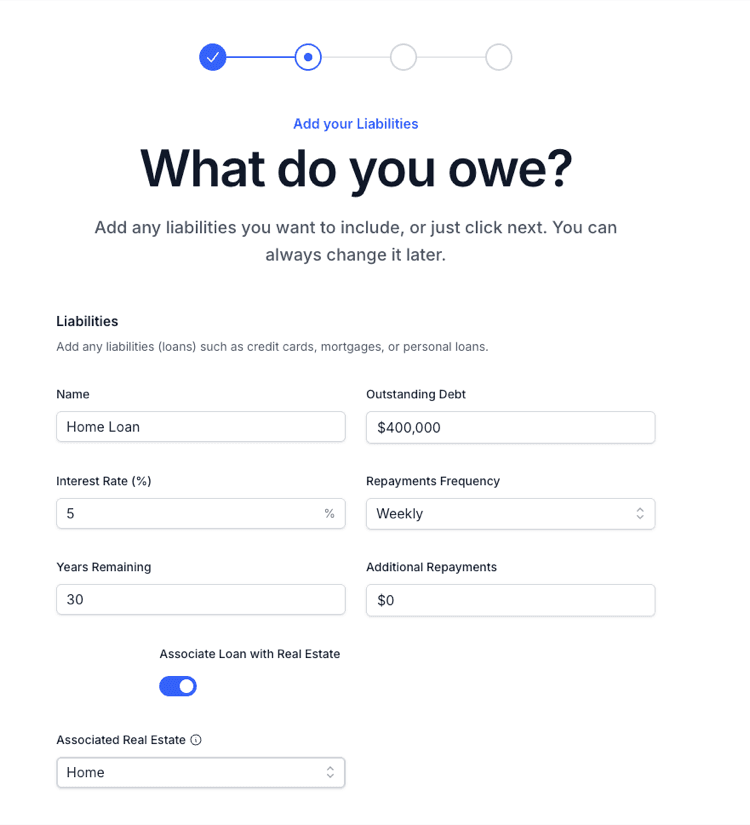
A liability is a financial obligation or debt owed by an individual or entity to another party. Common liabilities include mortgages, personal loans, and credit card balances.
This allows you add in all your liabilities and include details such as how much is outstanding, what the loan’s interest rate is, repayments frequency and more. It even has option to associate a Liability with an Asset such as your home.
Income
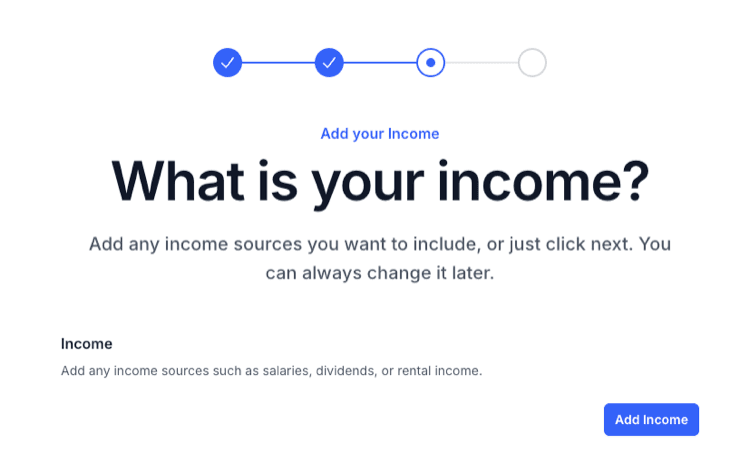
This is where you can input any and all of your income. This includes any full or part time work as well as any income from any of your assets, such as dividends from the stock market or rental income from any real estate assets.
This has several features such as setting a fixed end of a your income stream and associating the income with an asset such as Real Estate.
Expenses
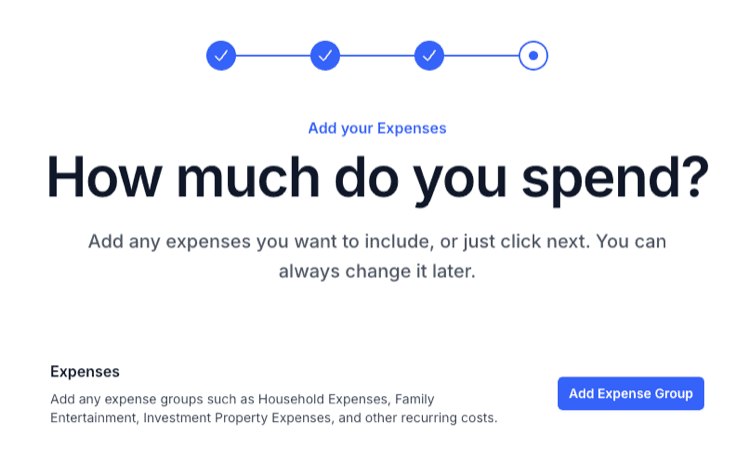
An expense is a cost incurred by an individual or entity in the course of day-to-day living or operations. This can get quite complex in that there could be a lot of individual expenses. As a means to make this more manageable, you can bundle expense into groups to make it easier to visualise.
Congratulations!
You've now successfully onboarded onto Calm Sea! Explore how your financial future could evolve and checkout Getting Started Part Two to learn more on how to use Calm Sea.